Back to SolusVM
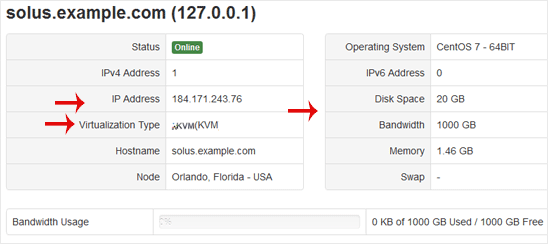
You can check VPS specifications such as RAM, disk space, virtualization, IP Address, etc., from the SolusVM Control Panel.
1. Log in to your SolusVM Control Panel.
2. If you have multiple VPSs, select the appropriate one.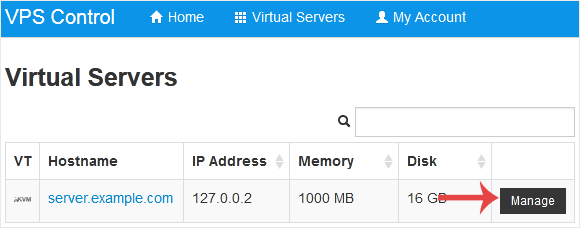
3. Under the VPS hostname, you can see VPS specifications like the IP address of the VPS, the operating system's disk size, the amount of available RAM, etc.