VoloWeb Knowledge Base · 1 min read

How to Start/Boot Your VPS in SolusVM

Back to SolusVM

If your VPS is down/offline, you can start it using SolusVM.


1.
Log in to your SolusVM Control Panel.

2. If you have multiple VPSs, select the appropriate one.
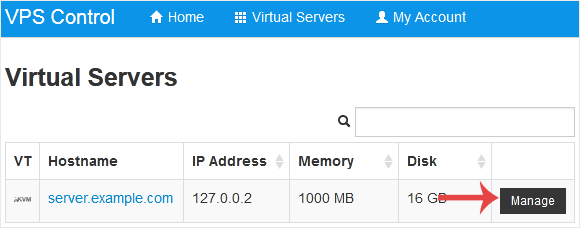
Solusvm select vps


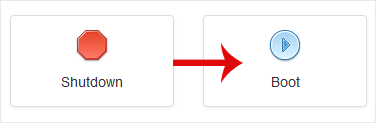
3. Click on Boot.
Solusvm boot start vps


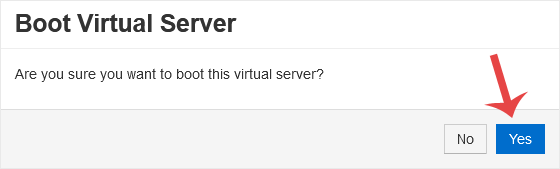
4. Click Yes to confirm.
Solusvm start boot confirmation


It may take some time for the VPS to start.

Need a hand with this?

VoloWeb hosting includes free migration, NVMe SSD, LiteSpeed & 24/7 Indian support — plans from ₹69/mo.

Get Started — ₹69/mo