Back to SiteWorx (Control Panel)
You can change your SiteWorx email address by following the steps below.
1. Log in to your SiteWorx account.
2. In the Administration section, click on User Accounts.
3. Click on the Pencil icon attached to the email account you want to edit.
4. Enter your new email address in the E-mail field.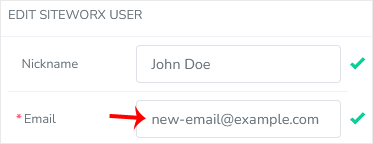
5. Click on Save.
Your email address has been changed.