Back to SolusVM
You can change your network card from the SolusVM control panel.
1. Log in to your SolusVM Control Panel.
2. If you have multiple VPSs, select the appropriate one.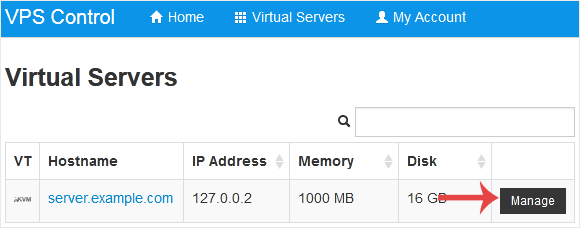
3. Scroll down. Under the Settings tab, you can find the Network Card option. Select the appropriate network card from the drop-down menu.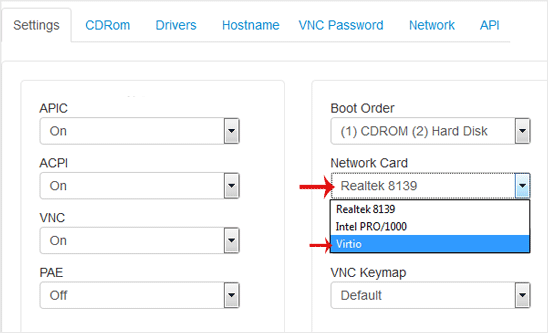
4. Reboot your VPS so that the changes can take effect.