Back to Cloudflare (cPanel)
1. Log in to your cPanel account.
2. In the Software section, click on Cloudflare.

3. Click on Sign in Here to access your Cloudflare account.

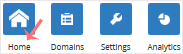
4. Click on Home in the menu.
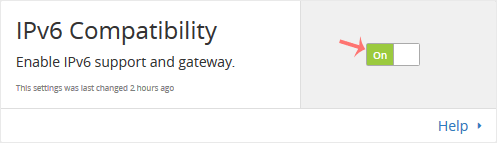
5. In the front of IPv6 Compatibility, You can see the On/Off button. Click on it to enable or disable support for IPv6 Compatibility.